

It may seem obvious, but it’s key for your local business to climb higher in Google rankings.
A simple “thank you” can work wonders.
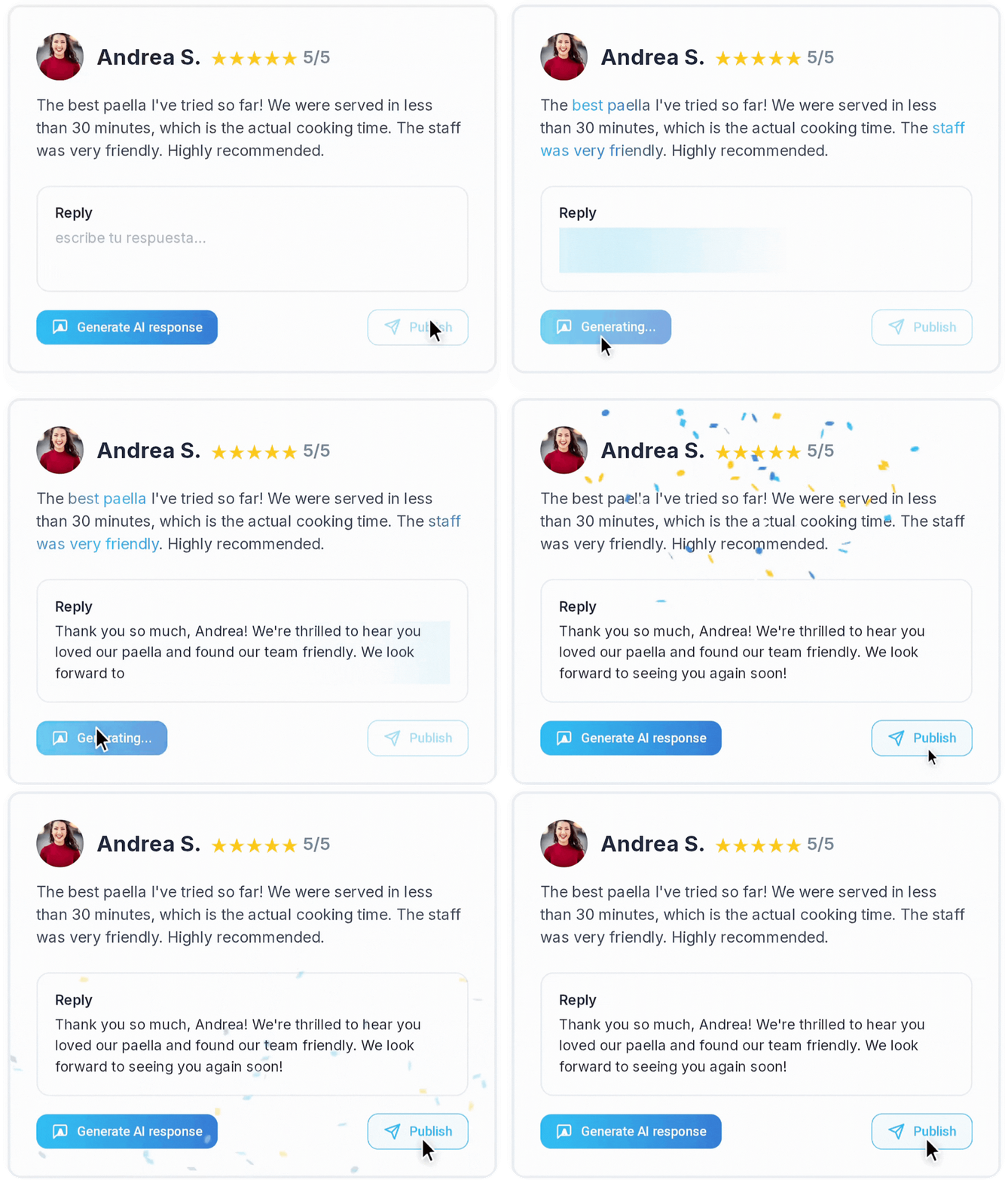
82% of consumers are more likely to buy from a business that responds to reviews.
But sometimes, reviews aren’t positive…
Respond to All Reviews, Both Positive and Negative
Not all reviews will be positive, unfortunately, so we need to act to prevent “greater damage.”
Be polite and avoid the mistakes many business owners make…
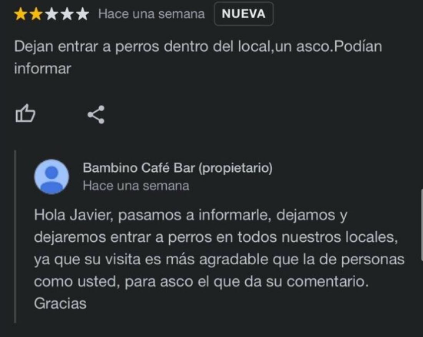
How to respond to such criticism?
Maybe you won’t even have to…
There are tools that filter negative reviews for your local business, helping you avoid losing positions in Google Maps rankings.
How do they work? It’s very simple.
Your customers are redirected to an intermediate page showing three faces (one green, one orange, and one red).
If your customer is satisfied, they’ll be quickly redirected to leave a review…
…but if not, their feedback is sent to you privately, before it gets published.
This is the only tool on the market that lets you filter negative reviews for your business.
Make It Easy to Write a Review
Online reviews are a powerful tool for building your business’s online reputation, and Google knows it.
88% of consumers trust online reviews as much as personal recommendations.
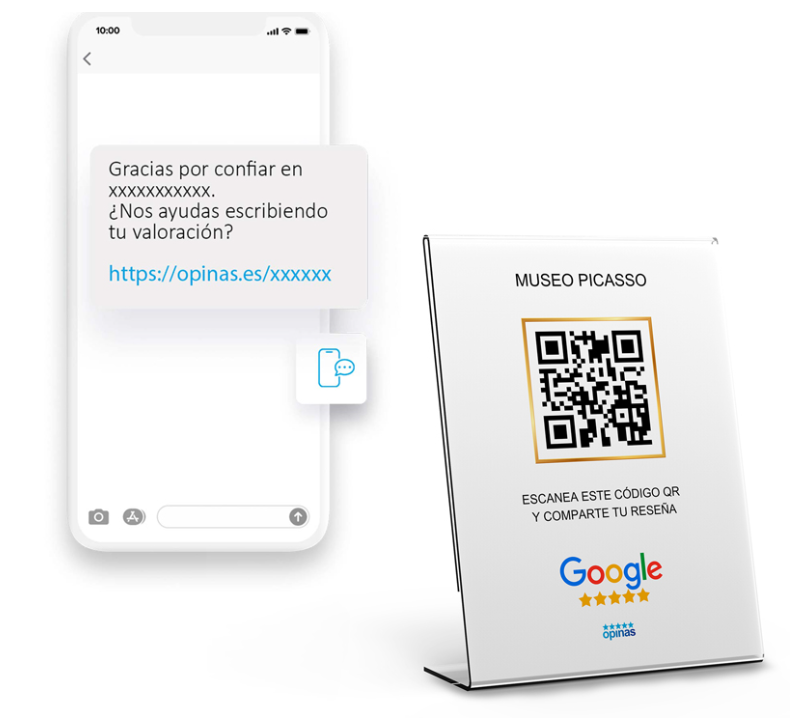
There are tools that simplify the process of leaving a review for your customers.
It’s common to find satisfied customers who don’t leave a review because they don’t know how or where to do it…
Use NFC Cards
This technology is the key to getting more Google reviews, and many business owners have already started using it in their establishments.
It works by proximity (the same NFC technology you use for mobile contactless payments).
Your customers simply tap their phone on these cards and are redirected to an intermediate page where they can leave their review quickly and easily.
Don’t let your competition catch up — start using NFC cards today.
Use QR Codes
You can’t imagine how much easier it is for your customers to scan a personalized QR code linked to your business profile to leave a review securely and effectively.
Using these tools, you can download and print your personalized QR posters or cards to boost your Google reviews.