

Have you received an unfair review on google? learn how to report it, appeal decisions, and remove fake reviews with this updated guide.
Getting a negative review can be one of the most frustrating experiences for any business owner, especially when that review is fake or unfair.
In this article, we explain how to report fake reviews on google by following the correct steps and using the official review tool. we’ll also show you how to track your case and what to do if you don’t get results through the usual process.
Step 1: Flag the review as inappropriate
The first thing you should do is access your business profile on google. you can do this in two ways:
- By going directly to the google business profile dashboard with your account, or
- Simply by searching for your business name on google, which will display the control panel directly in the results.
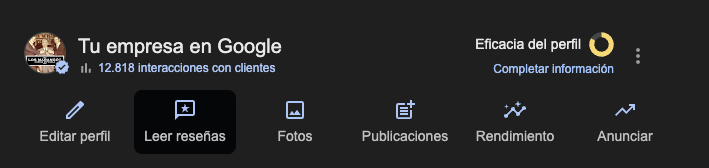
Once inside:
- Go to the reviews section.
- Find the review you want to report.
- Click the three dots next to the review and select “mark as inappropriate” or “report this review”.

📌 This step only notifies google that there may be a policy violation. it doesn’t let you add any explanation, which is why it’s often not enough on its own.
Step 2: Wait three business days
This step is crucial. after flagging the review, you must wait at least three business days before taking any further action.
During this time, google will review the report automatically. if it determines that the review violates its policies, it will remove it.
⚠️ Important: do not repeat the process during this period. if you don’t wait the three days, the next steps won’t work properly.
Step 3: Check the status of the review
After that period, use a little-known but very useful tool:
How to use it:
- Click the link.
- Click the arrow icon next to the search field and type your business name under “business name”.
- Choose whether you want to:
- Report new reviews, or
- Check the status of a review already reported.
- Report new reviews, or
In the latter case, you’ll see whether:
- The decision is pending,
- The review does not violate policies (according to google), or
It has been successfully removed.
Step 4: Appeal google’s decision
If google decides not to remove the review, you can still appeal.
In the same tool, a button like “appeal this decision again” will appear. click it.
A form will open where you can finally explain in detail why the review violates google’s policies (e.g., offensive content, false information, conflict of interest, etc.).
💡 This appeal creates an official support ticket, and you’ll receive a case number (case id) upon submission. keep this number, as you’ll need it if you have to escalate the case later.
Step 5: If it still doesn’t work, go to the official community
If after the appeal you still have no result and the review remains published, there’s another option: ask for help in the google business profile community.
There you can:
- Create a new thread explaining your case,
- Include the case number you received in the appeal,
- Clearly state why the review should be removed.
🧑⚖️ This forum is moderated by product experts (not google employees) who can give you an impartial second opinion and, if appropriate, escalate the case directly to google for another review.
Recommendations and help
✔️ Don’t respond in the heat of the moment. while your report is being processed, stay calm and, if you decide to reply, answer professionally.
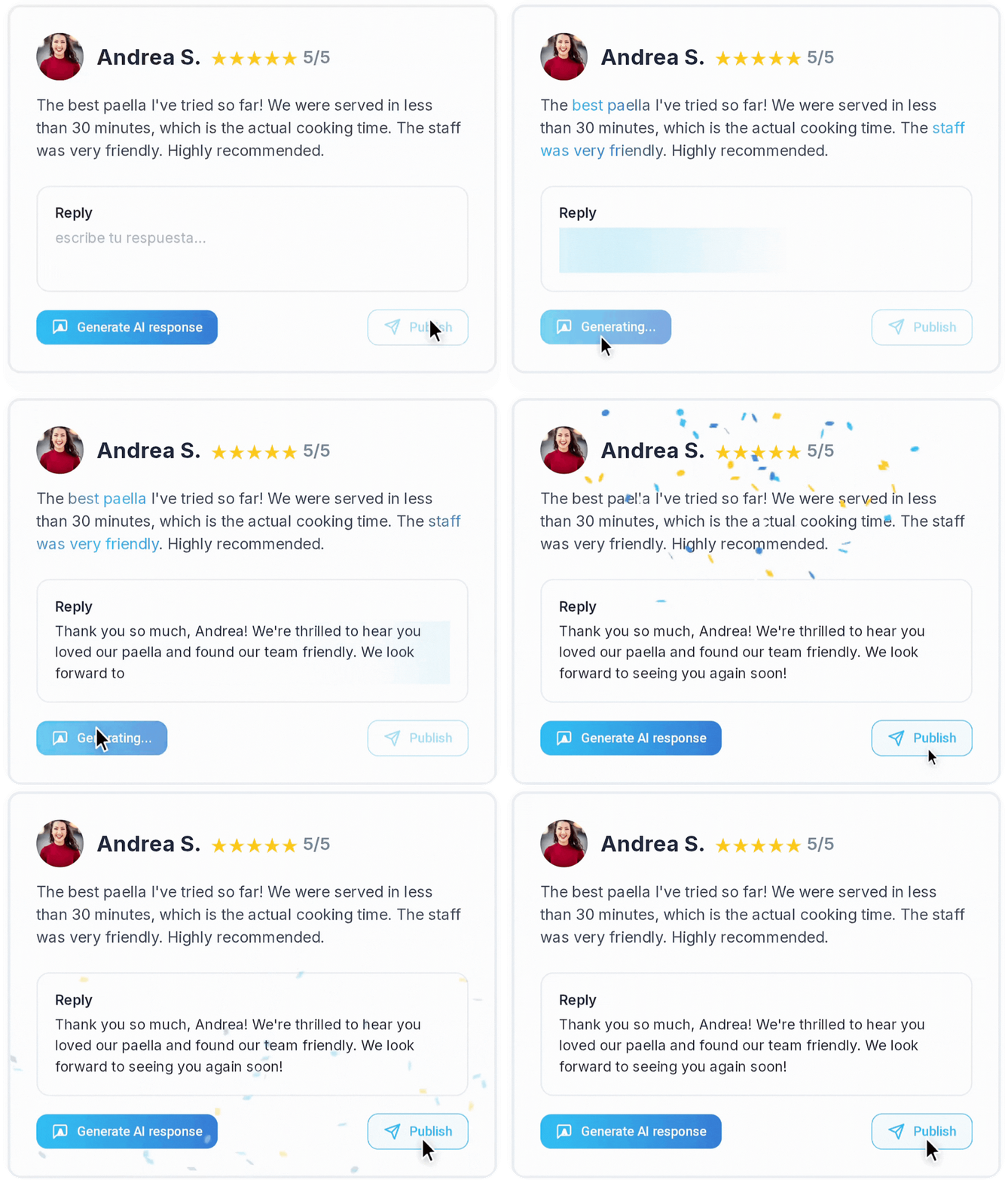
If you don’t feel confident you can keep your cool, it’s better to use an ai to respond to reviews.
At opinas, we already help more than 200 businesses in spain get more authentic reviews, automate responses with ai, and raise their average rating.
From restaurants and clinics to shops, workshops, and hotels, our system is designed so any business can stand out on google maps without hassle.
👉 Contact us and we’ll help you set everything up step by step.